

Visitor
•
3 Messages
Missing "View Wifi equipment" option in App
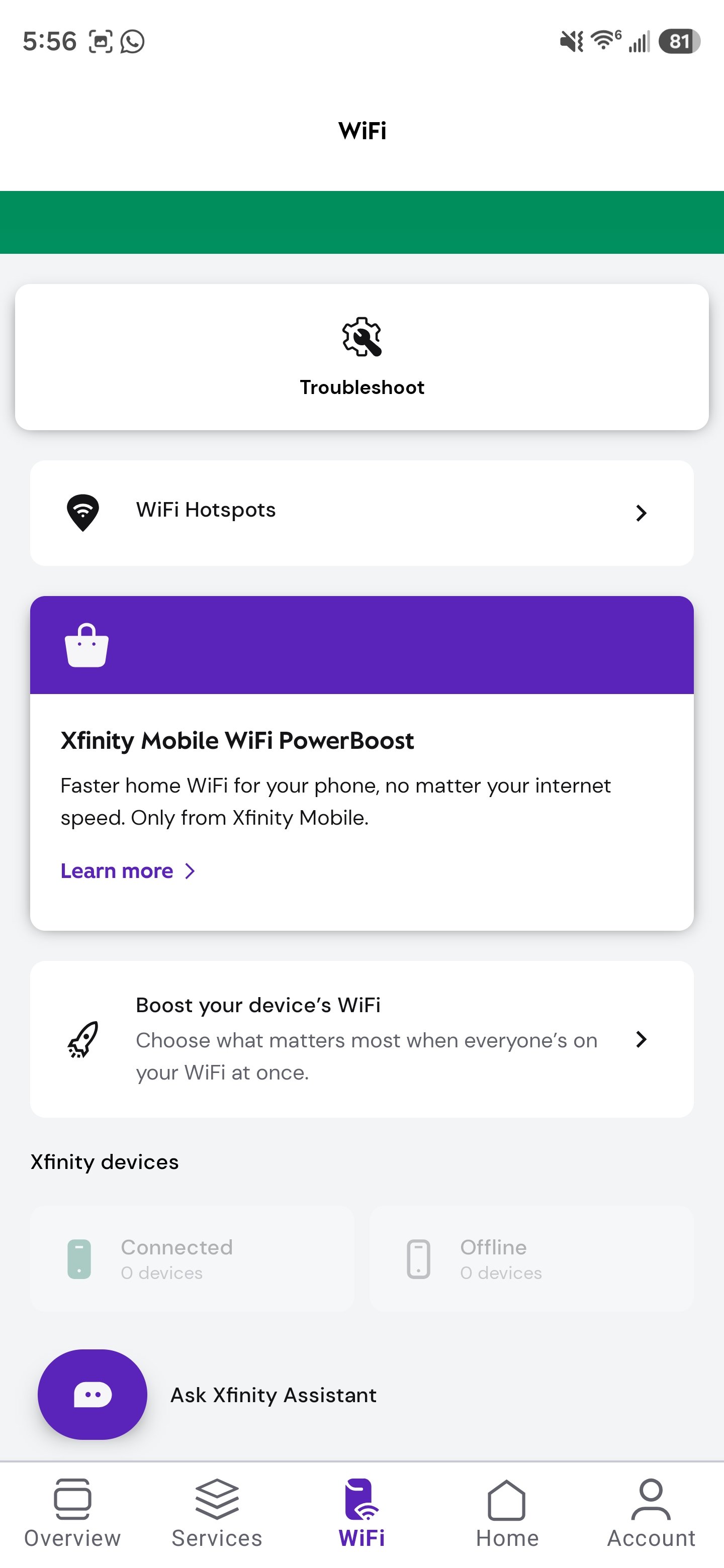
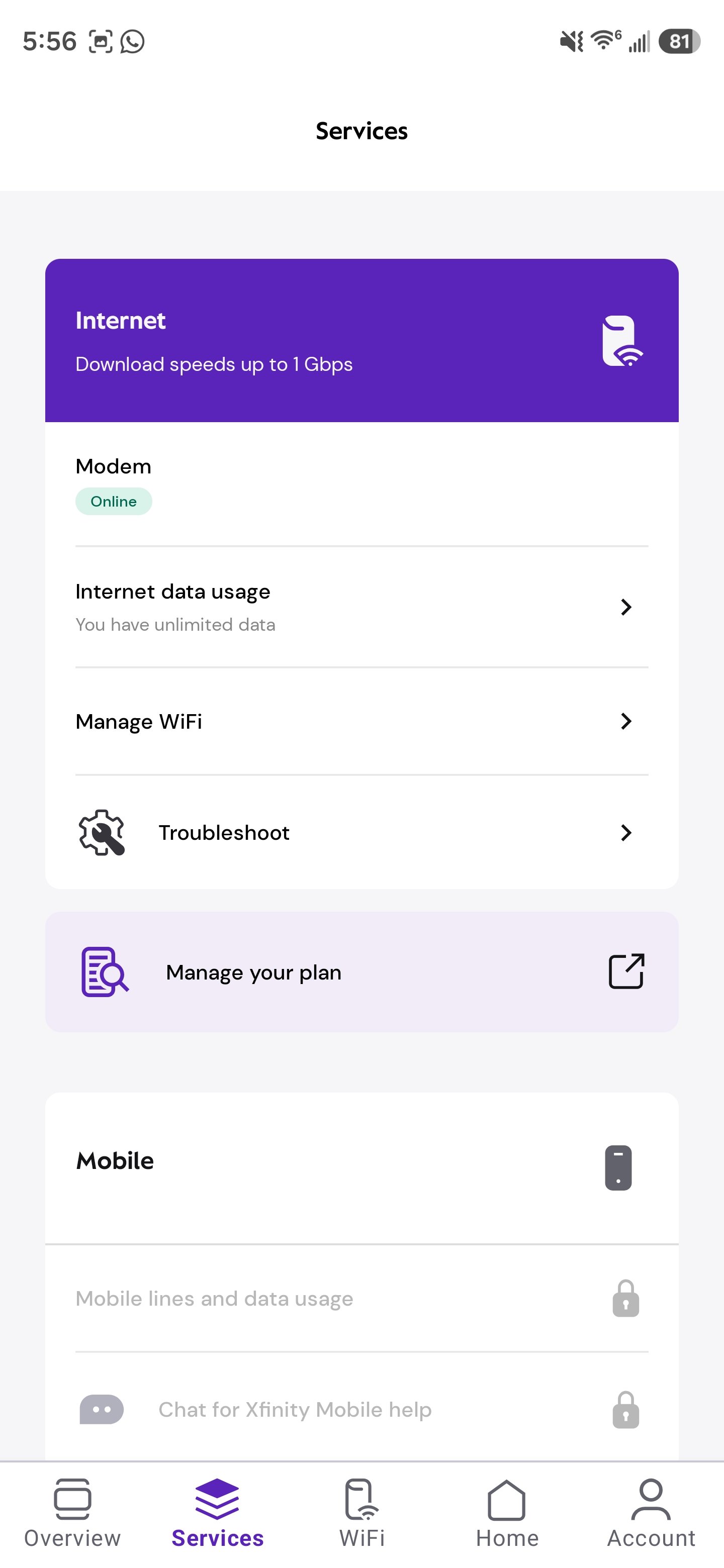
The "View WiFi equipment" option is missing from my Xfinity App under the "Wifi" tab.
1. I am using the XB8-T modem in Bridge mode.
2. This option existed before after I switched Bridge mode on. I just happened to check it again after a year and I cannot find it anymore.
3. It shows the incorrect image on the Wifi tab, not the one for my device. It also shows "0 devices connected" at the bottom.
4. I have tried (re)connecting my modem again via the connection wizard.
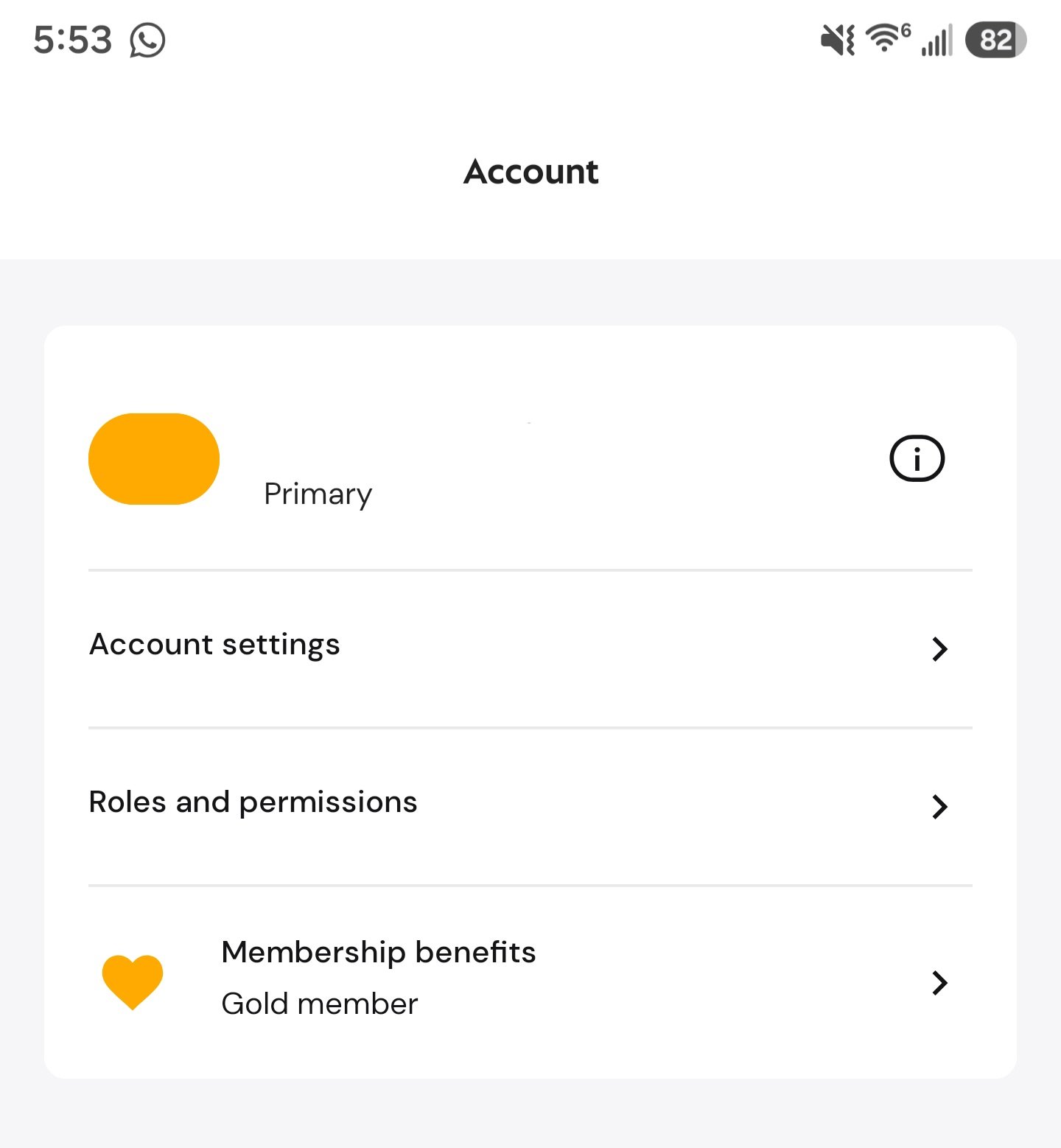
5. I have had support attempt to fix this for me via chat support (they ended up submitting a ticket because they were not able to debug/resolve it). I then got in contact with support via phone and they reviewed my ticket that claimed it was resolved; it was not resolved. The agent tried to help me over the phone and redid the same process about 12 times before I asked them to stop restarting my modem because it had been 3 hours with no results and I needed to work. They recommended I call them back when I am available to debug the process more. The agent over the phone kept assuming I was not looking at the right thing, so they had me re-login and reinstall my app multiple times and walk me through it step by step, but as you can tell from the images below, the option is simply not visible.
The result I'm looking for is a way to access my modem/router settings via http://10.0.0.1/. I am currently seeing this message:
Managing your home network settings is now easier than ever. To manage your gateway settings and other features, please download the Xfinity app.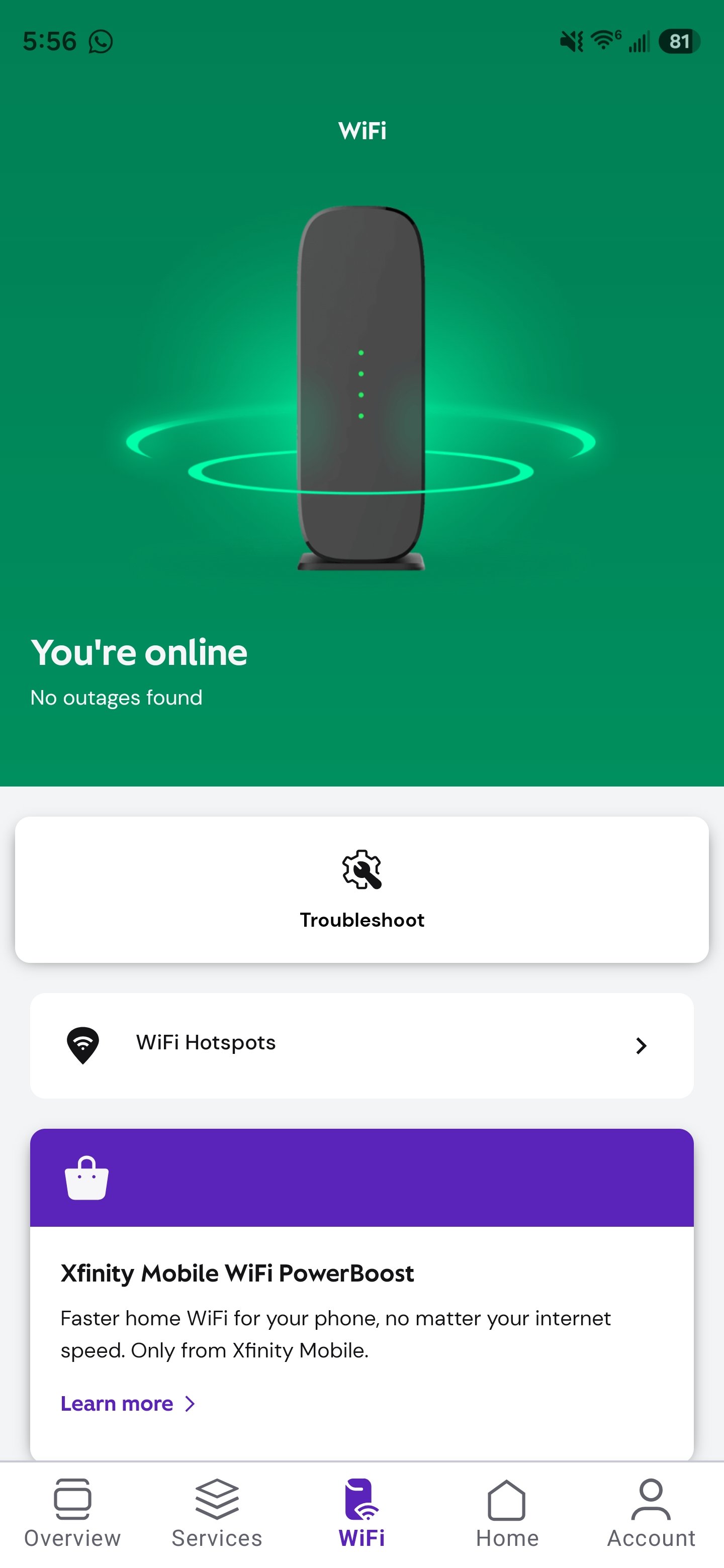

BruceW
Gold Problem Solver
•
27.8K Messages
22 days ago
The Wifi tab options are not available while in bridge mode. To access the admin pages, see https://www.xfinity.com/support/articles/admin-tool-access.
0
0
MrsDBurkett
Visitor
•
1 Message
22 days ago
I had to re-activate my modem for my device management tab to show back up.
1
0
XfinitySean
Official Employee
•
1.1K Messages
20 days ago
Hi there, and thanks for taking the time to reach out here on the community forums! BruceW is 100% correct as putting the XB8 in bridge mode turns off the WiFi network and routing features, and will not be able to display devices that may be connected to the WiFi network broadcasted by personal router. You would need to disable bridge mode and connect your devices to the XB8's WiFi network in order to see devices listed under "View WiFi Equipment".
He also provided the perfect link to enable admin tool access.
Please let us know if you need further assistance, or have any questions that need answering!
2
0